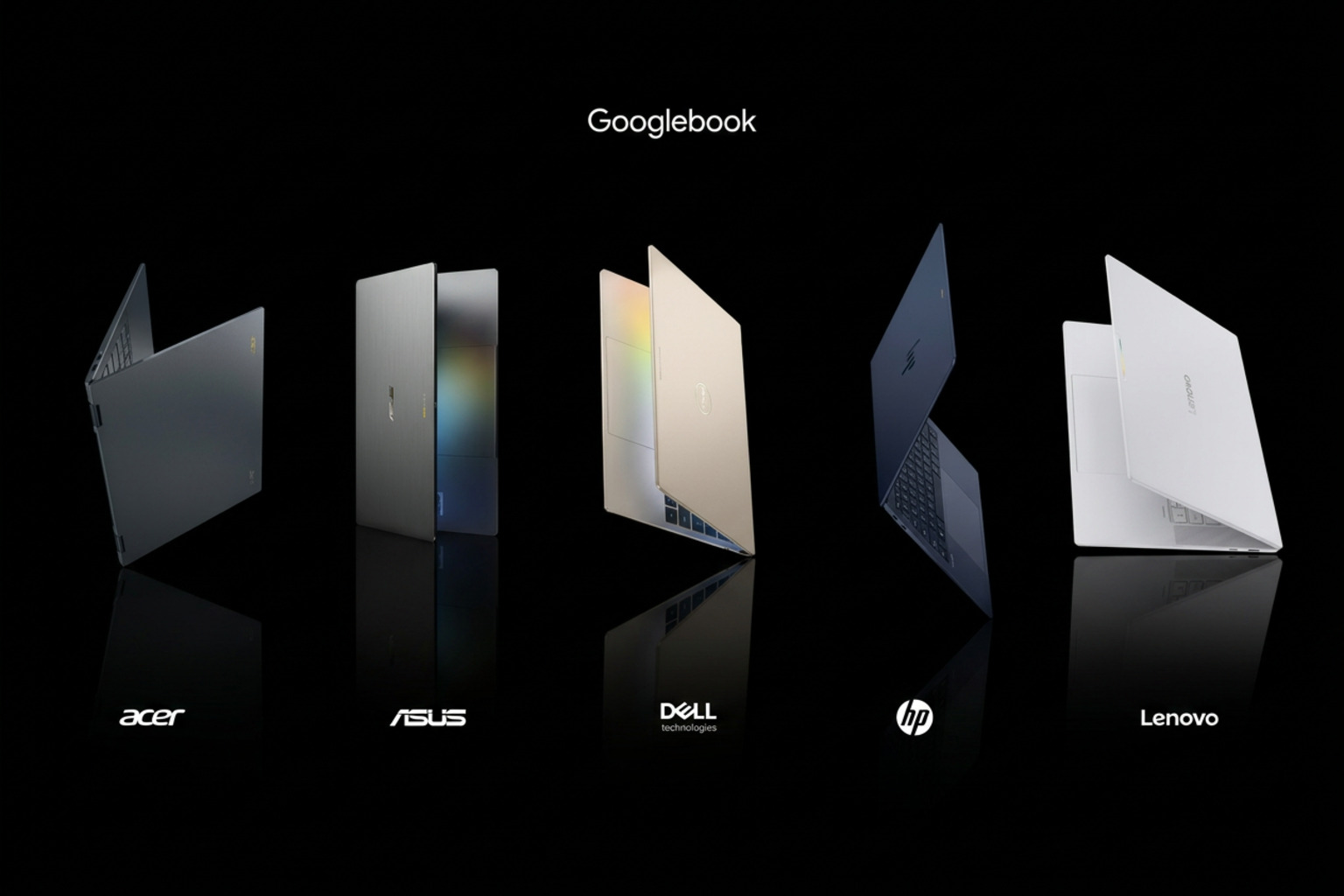
Digital nomads in 2026 need three things: weight under 1.3 kg, battery that survives a transatlantic flight, and AI features that work offline. These three nail all three.
Quick answer — Top 3 picks
#1 — ASUS Zenbook A14 (Snapdragon X) — Lightest 14" Copilot+ at 980 g, 21h battery · $999
Qualcomm Snapdragon X X1-26-100 (45 TOPS NPU). View full AIPC analysis →
#2 — Dell XPS 13 (Snapdragon X Elite) — InfinityEdge OLED + Snapdragon X + 19h battery · $1,299
Qualcomm Snapdragon X Elite X1E-80-100 (45 TOPS NPU). View full AIPC analysis →
#3 — ASUS Zenbook S 14 (Lunar Lake) — OLED + Lunar Lake + 1.2 kg ceramic-aluminum chassis · $1,499
Intel Core Ultra 7 258V (Lunar Lake, 47 TOPS NPU). View full AIPC analysis →
The nomad spec, refined
After three years of testing nomad-class laptops, the spec we keep coming back to is:
- ≤ 1.3 kg — the difference between a backpack you carry happily
- and one you resent by week 2.
- ≥ 14 real hours battery — for transatlantic flights and for
- cafés with one outlet.
- USB-C charging from a 30–65W brick — share with your phone.
- Copilot+ NPU offload — cuts call/transcription power in half.
- 5G/eSIM friendly — even if you mostly tether, having native
- cellular is a quality-of-life upgrade.
How to choose (2026 buying criteria)
Nomad laptops fail in airports, cafés and customs lines, not in benchmarks. These are the five criteria we test for:
1. Connectivity you control. Native 5G with eSIM means you land, buy a local data plan in the app and work from the taxi. No eSIM? Check that your phone hotspot plus the laptop's Wi-Fi 7 radio is reliable — and budget for the phone battery hit. 2. Charging reality, not battery claims. Cafés give you one outlet for an hour; airport seats give you a USB-A port. Look for USB-C charging from a 30–65 W brick, charging from both sides, and fast top-ups (50% in ~30 minutes) more than a headline 22-hour number. 3. Multi-timezone battery math. A 12-hour flight plus a working day on arrival is roughly 18 hours awake. Divide the real-world battery (not video-loop) by your workload: calls with NPU background blur cost far less than a browser full of tabs on full brightness. 4. Durability and customs. A sub-1.3 kg aluminum or magnesium chassis with no protruding parts survives overhead bins; a common, mainstream model is easier to explain at customs and easier to get repaired abroad. Check whether the warranty is international. 5. Offline AI. On-device transcription, translation and Copilot+ features keep working on a plane or on a bad hostel connection — a real reason to insist on a 40+ TOPS NPU.
Head-to-head: which one for which person
There is no single best laptop — only the best laptop for your workload. Here's how we'd route the three picks above:
- You live in local LLMs and creative apps? The Apple-class option
- wins on memory bandwidth and silent sustained thermals.
- You live in Microsoft 365, Teams and on-device Copilot? The
- Copilot+ Lunar Lake or Snapdragon X option wins on NPU integration
- and battery.
- You want to keep this machine for 5+ years and upgrade RAM/SSD?
- The repairable Ryzen AI option wins on TCO and longevity.
If you want a chip-by-chip, model-by-model comparison of any two machines on this list, run them through the AIPC.computer engine — it scores every laptop on the same workload-fit axes we used here.
What we ruled out (and why)
For people who work from a backpack, we cut machines that fail on the road — even great ones:
- Anything over 1.4 kg or with a 140 W+ charger. The laptop plus
- brick becomes 2 kg on your back; you will leave it at the Airbnb.
- Laptops that only charge from one side or need a barrel plug.
- Cafés and airport seating rarely put the outlet where you want it.
- Regional-only warranties. A great US-only deal becomes a
- shipping-and-customs problem the first time a hinge breaks in Lisbon.
- Glossy, dim screens (under 400 nits). Terraces, trains and
- window seats need a bright, preferably anti-glare panel.
- Discrete-GPU laptops. Power-hungry, heavy and loud in coworking
- spaces; nomad workloads rarely need them.
2026 pricing landscape, briefly
Nomad pricing is about weight and battery per dollar, not TOPS:
- Under $1,000: 1.0–1.3 kg Snapdragon X laptops (Zenbook A14) —
- the best grams-per-hour-of-battery value in 2026.
- $1,000–$1,300: premium Snapdragon X Elite (XPS 13) — similar
- weight, better screen and build, 19-hour battery.
- $1,300–$1,600: Lunar Lake flagships (Zenbook S 14) — best x86
- app compatibility for travelers who need legacy tools or VPN clients.
- Budget for the extras: an international warranty or accident plan,
- a 65 W GaN charger, and a universal adapter usually add $100–$200 and
- matter more on the road than a faster chip. For a focus on flights and
- short trips, see our travel laptop guide.
Final verdict
If you're optimizing for nomads in 2026, go with the #1 pick above unless you have a specific reason to pick #2 or #3 (budget, ecosystem lock-in, or repairability). All three are genuinely good machines that will serve you well for 4+ years — the ranking is about workload fit, not absolute quality.
If you're not sure which fits your workload best, the AIPC.computer engine gives you the same ranking with your own priorities plugged in. It takes about 30 seconds and it's the closest thing to an honest second opinion this category has.
FAQ
Is an NPU actually useful in 2026, or is it marketing? It's useful — but only for specific workloads. Copilot+ features (Recall, Cocreator, Studio Effects, Live Captions) all dispatch to the NPU and run at near-zero battery cost. Local LLM inference on 13B+ models still favors GPU/unified memory over NPU.
What's the minimum NPU TOPS for a real "AI laptop" in 2026? 40 TOPS. That's the Copilot+ bar. Below it, you get x86 fallback to CPU/GPU and the Microsoft AI feature surface stays mostly disabled.
Do I need 32 GB of RAM in 2026? For coding + browser + Copilot, 16 GB is the floor and usually fine. For local LLMs at 13B class, 24–32 GB is the comfort zone. For 70B class quantized models, 64 GB unified (Apple) or 16+ GB VRAM (NVIDIA discrete) is the realistic minimum.
How long should a 2026 laptop last on battery? 12+ real hours under mixed productivity + AI load. The video-loop numbers vendors quote (16–22 hours) translate to 8–12 hours of real work, depending on call/Copilot intensity.
Get a personalized shortlist
Tell the AIPC.computer engine your workload (e.g. "coding + local LLM + travel") and budget — it returns a ranked shortlist with workload-fit scores, expected tok/s on Llama 3 13B, sustained thermals and battery under mixed AI load. It's the fastest way to skip the spec-sheet rabbit hole.
You can also explore Top 3 machines right now on Laptops.computer or run a head-to-head comparison between any two laptops in this article.
Run your own ranking. Open the AIPC.computer engine and feed it your workload (e.g. "nomads + 32 GB RAM + sub-$1,500"). It returns a workload-fit ranked shortlist with NPU TOPS, sustained thermals, and tok/s on Llama 3 13B for every match.