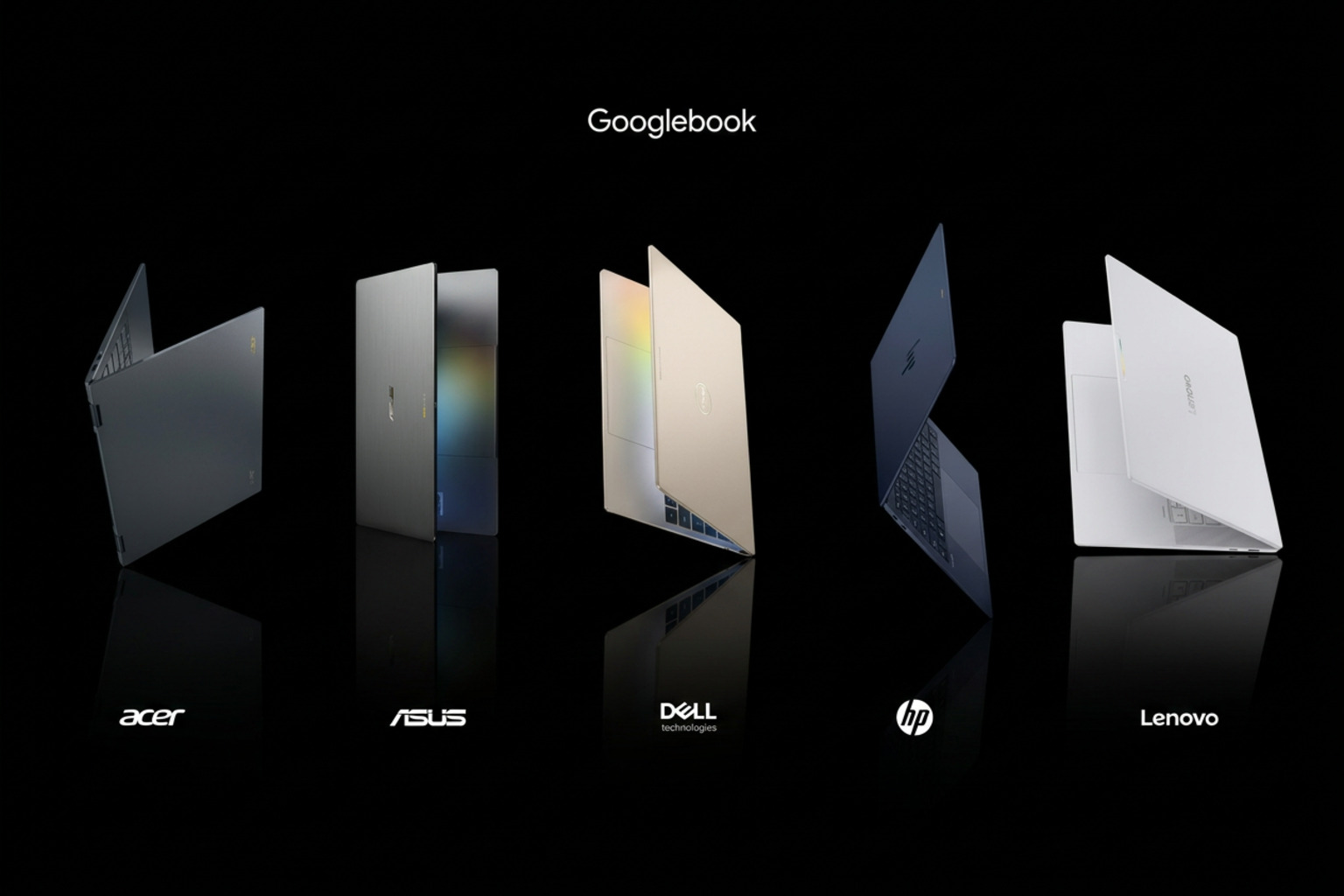
Googlebook is on sale. The laptop category Google announced in May and detailed on 21 September 2026 reached shelves on 4 October in the U.S. and 5 October in Canada, the U.K., Ireland, France, Germany and Australia. Five models, five OEM partners — Acer, ASUS, Dell, HP and Lenovo — from $899.
It is the first mainstream laptop platform built on the Android stack rather than Windows or macOS, and the first where the AI assistant lives inside the operating system instead of a browser tab. If your phone is an Android, this is the most tightly integrated laptop you can buy today.
"Great hardware needs software that can actually keep up, so we designed Googlebook with an intelligence system that brings Gemini directly on your device." — Alexander Kuscher, Senior Director, Laptops & Tablets at Google
What actually launched
- Five flagship models built with Acer, ASUS, Dell, HP and Lenovo, starting at $899.
- Android-native integration — phone and laptop share apps, files and context at the OS level, not through a companion app.
- Gemini Intelligence built in: Magic Pointer, Rambler, Create My Widget and Antigravity ship on every unit.
- Premium materials across the range: aluminum, magnesium alloy and carbon fiber.
- 16 GB of high-speed RAM as the baseline on every model, with some configurations at 32 GB.
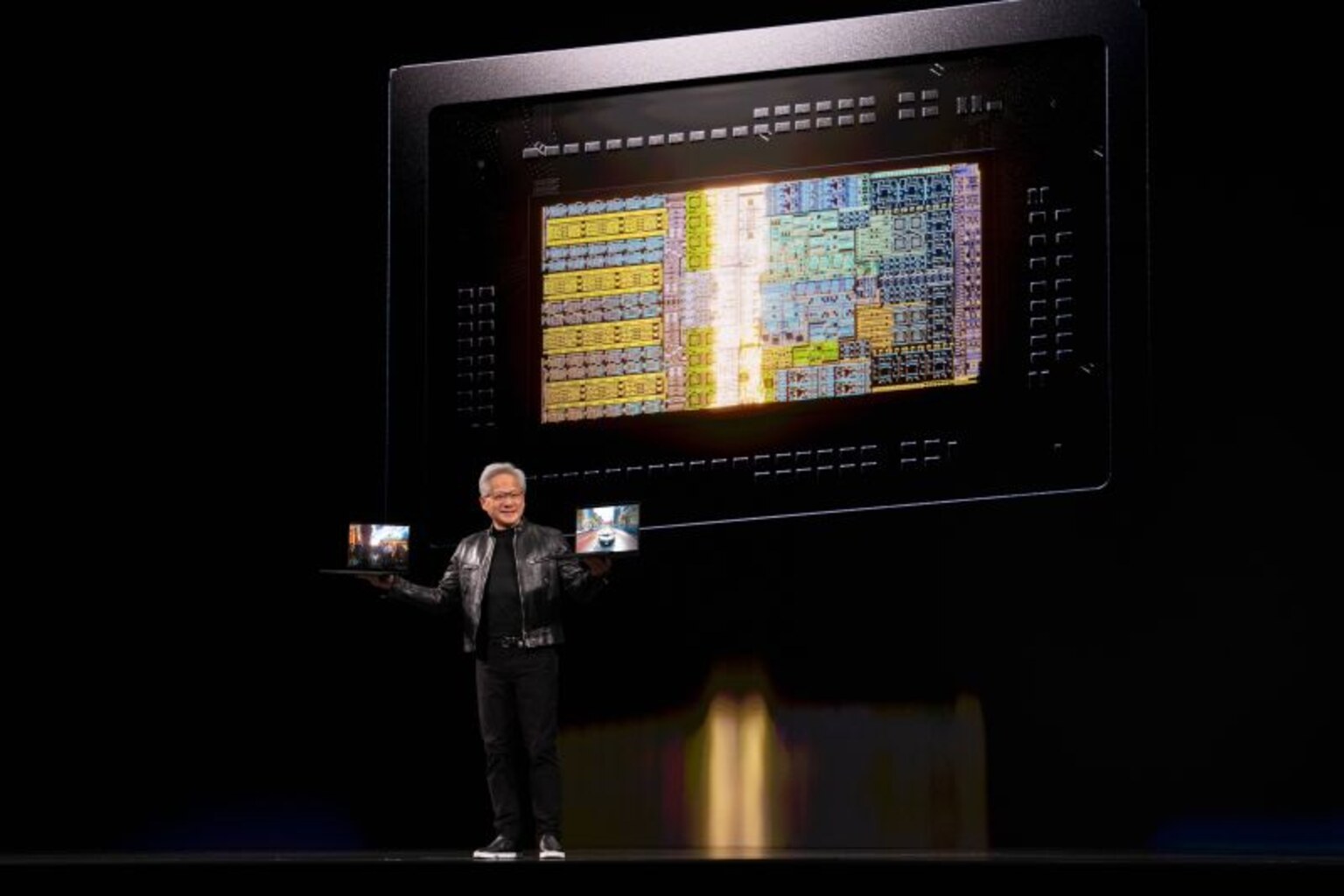
- NPUs rated over 45 TOPS on every SKU, so AI work runs without spinning up loud fans.
- Googlebook OS updated for up to 10 years, with regular feature drops.
- Every purchase bundles 12 months of Google AI Pro (5 TB cloud storage, higher Gemini limits) plus 3 months of YouTube Premium and Adobe Photoshop.
The lineup, model by model
| Partner | Position in the lineup | Standout |
|---|---|---|
| Acer | The convertible | The only 2-in-1 — shifts from laptop to tablet |
| ASUS | The travel machine | Feather-light at 2.2 lb (~1 kg) |
| Dell | The balanced everyday pick | Height, weight and display tuned together |
| HP | The design pick | "As beautiful closed as it is open" |
| Lenovo | The workhorse | Spacious 15-inch display built for productivity |
The spec sheet, in numbers
| Spec | What Googlebook ships with |
|---|---|
| Display | Touchscreen at up to 2.8K resolution, tuned to stay glare-free in direct sunlight |
| Memory | 16 GB high-speed RAM standard, up to 32 GB on some models |
| Battery | Up to 14 hours video playback, up to 16 hours web browsing |
| Processor | Intel Core Ultra Series 3 or Snapdragon X Elite at launch |
| NPU | Advanced NPUs running at over 45 TOPS of on-device AI |
| Materials | Aluminum, magnesium alloy, carbon fiber |
| Input | Custom backlit keyboard; large glass-feel haptic trackpad with native gesture support |
| Audio | Up to six speakers with Dolby Atmos, plus studio-quality noise-canceling microphones |
| Signature | Interactive Glowbar — animates on boot, sweeps to show battery level, open to developer-made animations |
| Price | From $899 |
| Support | Googlebook OS feature drops and updates for up to 10 years |
Quotable: Googlebook puts a 45+ TOPS NPU and 16 GB of RAM as the floor of a $899 machine — the first mainstream laptop platform where that is the baseline rather than the flagship.
System-level synergy: Android at the core
Because Googlebook is built on the Android stack, your phone and laptop do not just sync — they work natively together at the core level:
- Tap an Android app on the laptop and keep the flow going; no phone pick-up, no context switch.
- Quick Access surfaces, searches and inserts files from your phone inside the laptop's own file browser — no transfers.
- The Gemini features you already use on Chrome and Android — task automations, Gemini Live, proactive suggestions — are there out of the box.
That is the structural difference from the competition. On Windows, phone linkage is a companion app; on macOS it is a bridge to an iPhone. Here both devices run the same OS family, which is why the integration reads as native rather than emulated.
Gemini at the core
| Feature | What it actually does |
|---|---|
| Magic Pointer | Wiggle the cursor and Gemini reads the text, image or context under it — map a marathon training plan into Calendar, check whether an email is spam, or combine several selected images into one visualization |
| Rambler | Dictate a messy brain dump; it strips the stutters and filler, organizes action items into bullets, and stays natively multilingual mid-sentence |
| Create My Widget | Describe the widget you want in plain language and it builds it — no coding required |
| Antigravity | Bundled with every Googlebook; write your own apps and deploy them straight to the device |
| Linux terminal | A full terminal environment for agentic tooling such as Claude Code or the Antigravity CLI |
| Gemini Spark | Close the lid and it keeps working on a long request in the background |
Privacy is scoped by design: Magic Pointer only activates when you summon it with a wiggle and stays dormant otherwise.
What this means for AI laptop buyers
1. There are now three platforms, not two. The choice that used to be Copilot+ or Apple Silicon now includes an Android-native option — see our AI PC race analysis for the three-way frame, and the original launch coverage for how we got here.
2. The specification floor moved. 16 GB of RAM and a 45+ TOPS NPU at $899 raises the entry bar for the whole category. Anyone comparing a Windows ultrabook at the same price should check its RAM and NPU before assuming parity — the benchmark database publishes both per model.
3. Local AI is inference-only. The NPU runs on-device models, but there is no CUDA here and 16 GB of RAM is a hard ceiling. In practice that means quantized 7-8B models comfortably on the standard configuration, and 14B-class models on a 32 GB one. If local inference is your main workload, run the numbers for the model you actually want in the VRAM calculator before you commit — it tells you which machines fit your model size and context window.
Who should buy one
- Your phone is an Android and your day lives in Gmail, Calendar and Drive.
- You want a premium chassis, a bright 2.8K touchscreen and all-day battery without paying flagship prices.
- You plan to keep the machine for years — 10 years of OS updates is longer than Windows laptops have ever offered.
- You need Windows-only professional tools, x86 peripherals or CUDA for training and fine-tuning.
- You want to run 30B+ models locally; unified-memory Apple Silicon machines remain the better pick.
Where to compare prices
All five launch partners are listed on the AIPC.computer marketplace, where we pull current AI-laptop pricing and stock:
- Acer — the convertible
- ASUS — the 2.2 lb travel model
- Dell — the balanced pick
- HP — the design pick
- Lenovo — the 15-inch workhorse
Peripherals and add-ons for any of them — docks, external SSDs, gimbals of cases — are at accessories.computer/laptops-notebooks.
Our take
Google spent 15 years treating the Chromebook as a budget product and is now using the same Android foundation to attack the premium tier instead. The hardware case is straightforward: aluminum and carbon fiber, 2.8K touch displays, six-speaker Dolby Atmos arrays, 16 GB of RAM and a 45+ TOPS NPU as the entry point, all from $899 with a year of Google AI Pro attached.
The software case is the real story. A cursor that reads what you are pointing at, dictation that edits itself, widgets you describe rather than install, and a Linux terminal with agentic coding tools are not features you can install on a Windows laptop — they are the platform.
Two questions we will be tracking as review units land:
1. How far the 45+ TOPS NPU actually gets on real quantized models, against the Snapdragon X Elite and Intel Core Ultra Series 3 parts we already test. 2. Android app fidelity at laptop scale — whether big-screen layouts feel native or like enlarged phone windows.
Both go into the open benchmark database the moment we can measure them, and into the AI PC buyer's guide for anyone choosing between the three platforms.
Sources
- Google, "Premium materials and striking design set Googlebook apart" —
- blog.google
- Google, "Googlebook's built-in intelligence reinvents the way you use your laptop" —
- blog.google